Simple Clipboard Manager AI
Fast Mac clipboard history with Markdown, OCR, rich text, snippets, and private on-device AI.
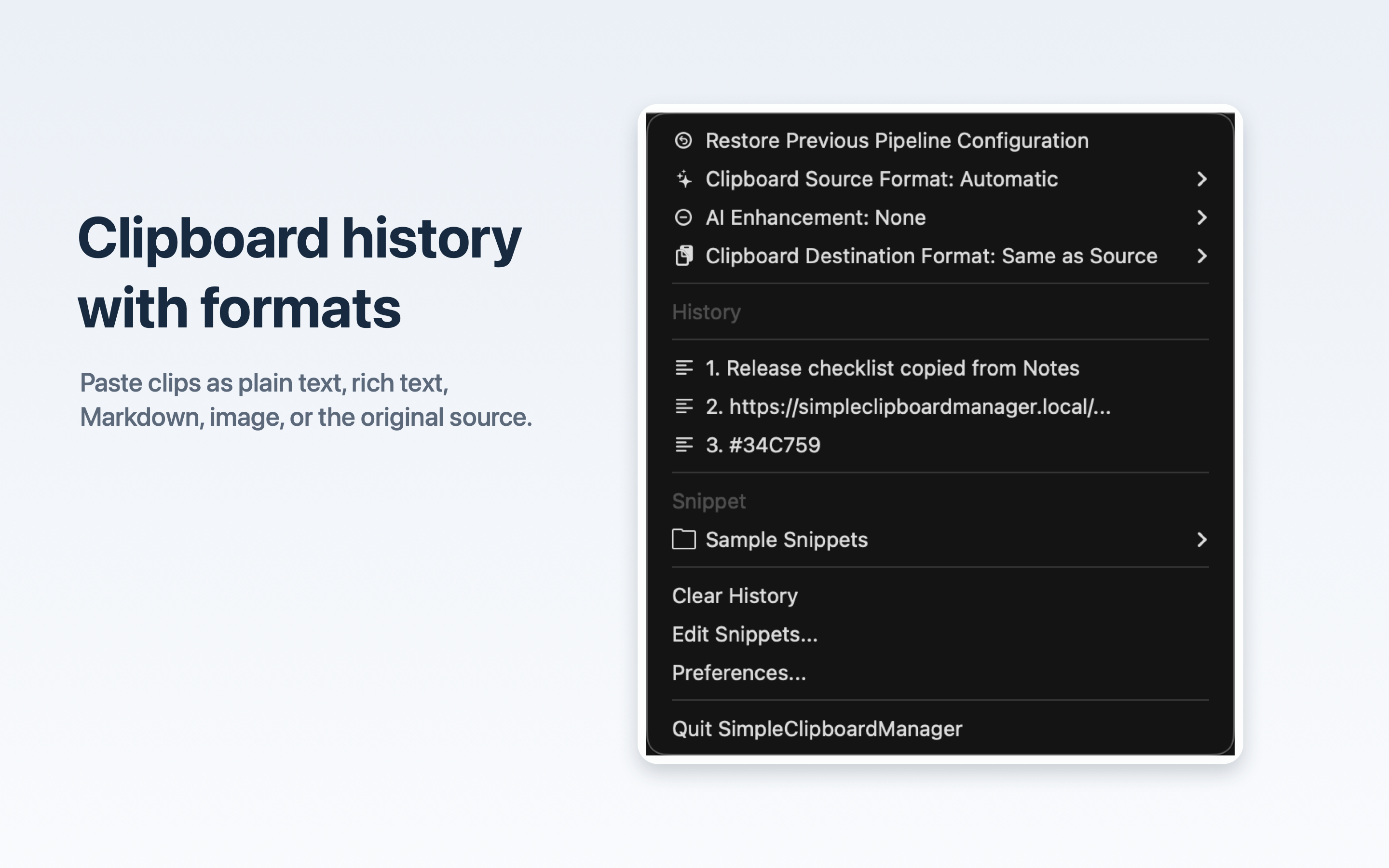
Simple Clipboard Manager AI keeps clipboard history close in the menu bar, makes previous clips fast to reuse, and helps choose the format you need before content goes into a document, note, editor, browser, chat, or email.
The app is built for people who copy, clean up, reformat, and reuse text all day. It handles plain text, rich text, Markdown, images, files, PDFs, and original source formats, with special attention to Markdown-heavy developer, writing, research, student, and support workflows.
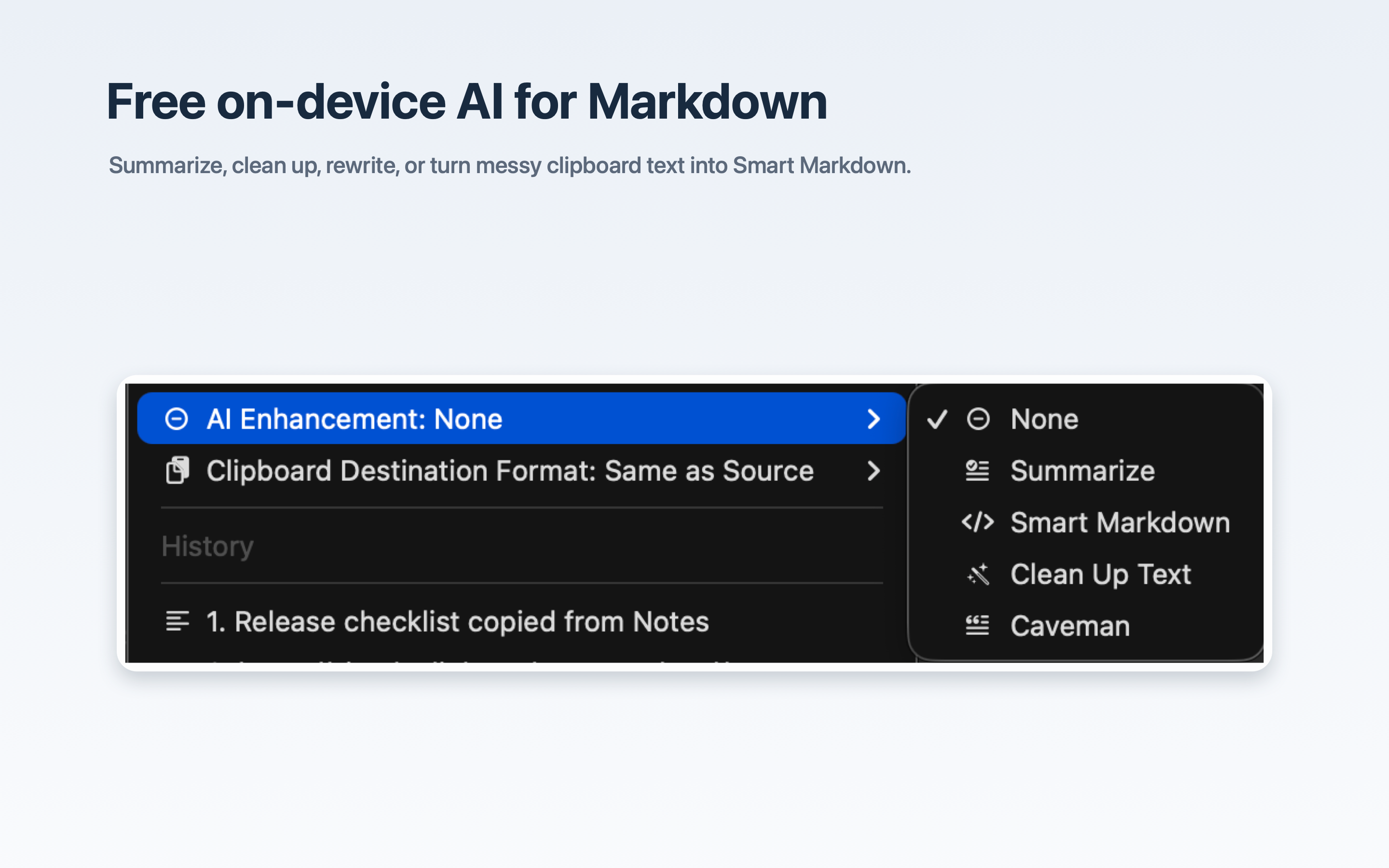
OCR support turns screenshots and image-based text into useful clipboard content with macOS Vision. On supported Macs, AI enhancements run locally with Apple's system language model, so summarizing, cleanup, rewriting, and Smart Markdown conversion can happen without API keys, cloud AI accounts, credits, or third-party AI services.
What it does
- Keep clipboard history available from a native macOS menu bar app.
- Paste clipboard items as plain text, rich text, Markdown, images, or original source formats.
- Convert rich text, links, files, images, and PDFs into useful Markdown output.
- Render Markdown as formatted rich text when pasting into apps that expect styled content.
- Preserve headings, lists, links, emphasis, code, file paths, and source structure where possible.
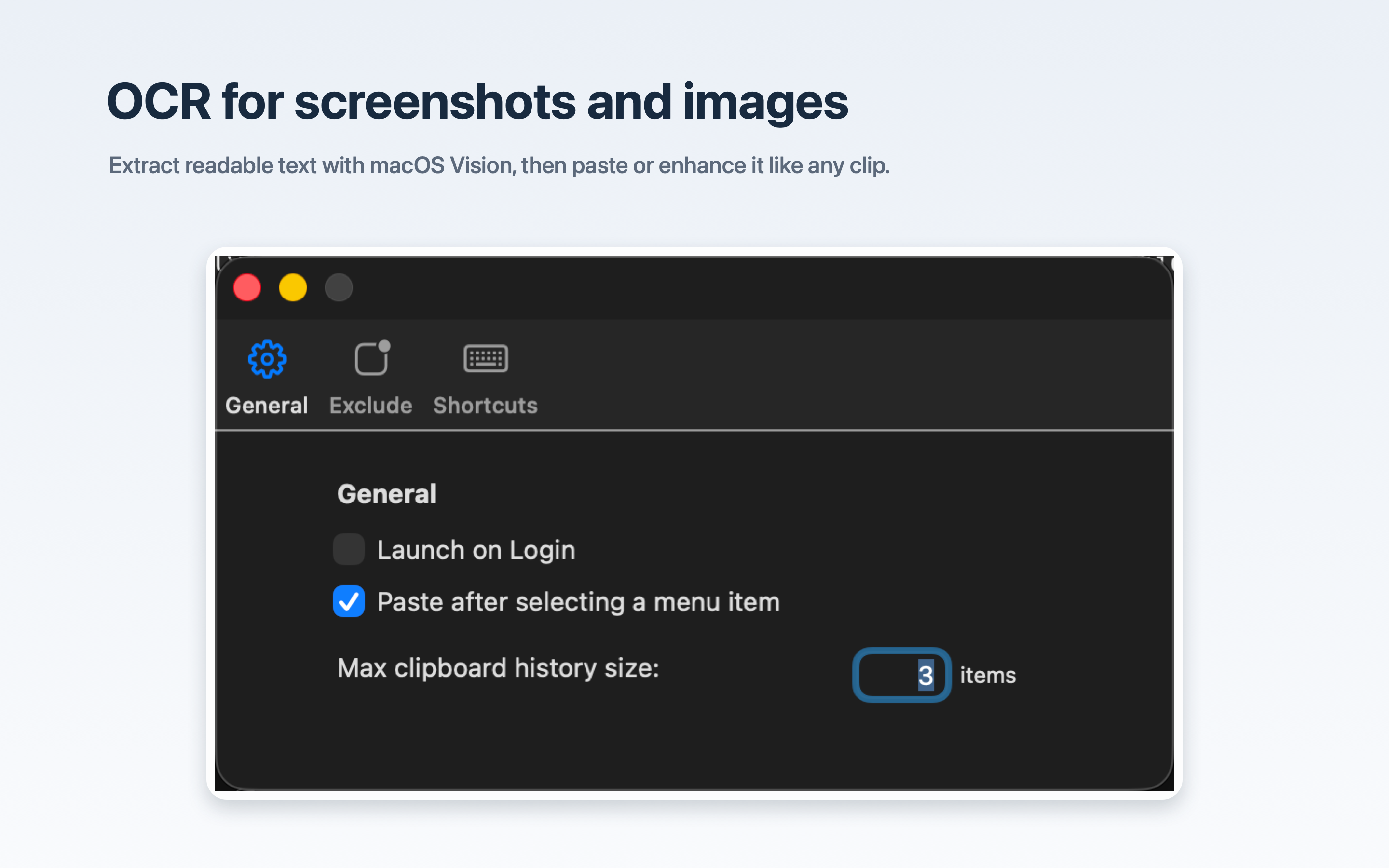
- Extract readable text from screenshots and images using macOS Vision OCR.
- Summarize, clean up, rewrite, or turn messy copied text into cleaner Smart Markdown with private on-device AI on supported Macs.
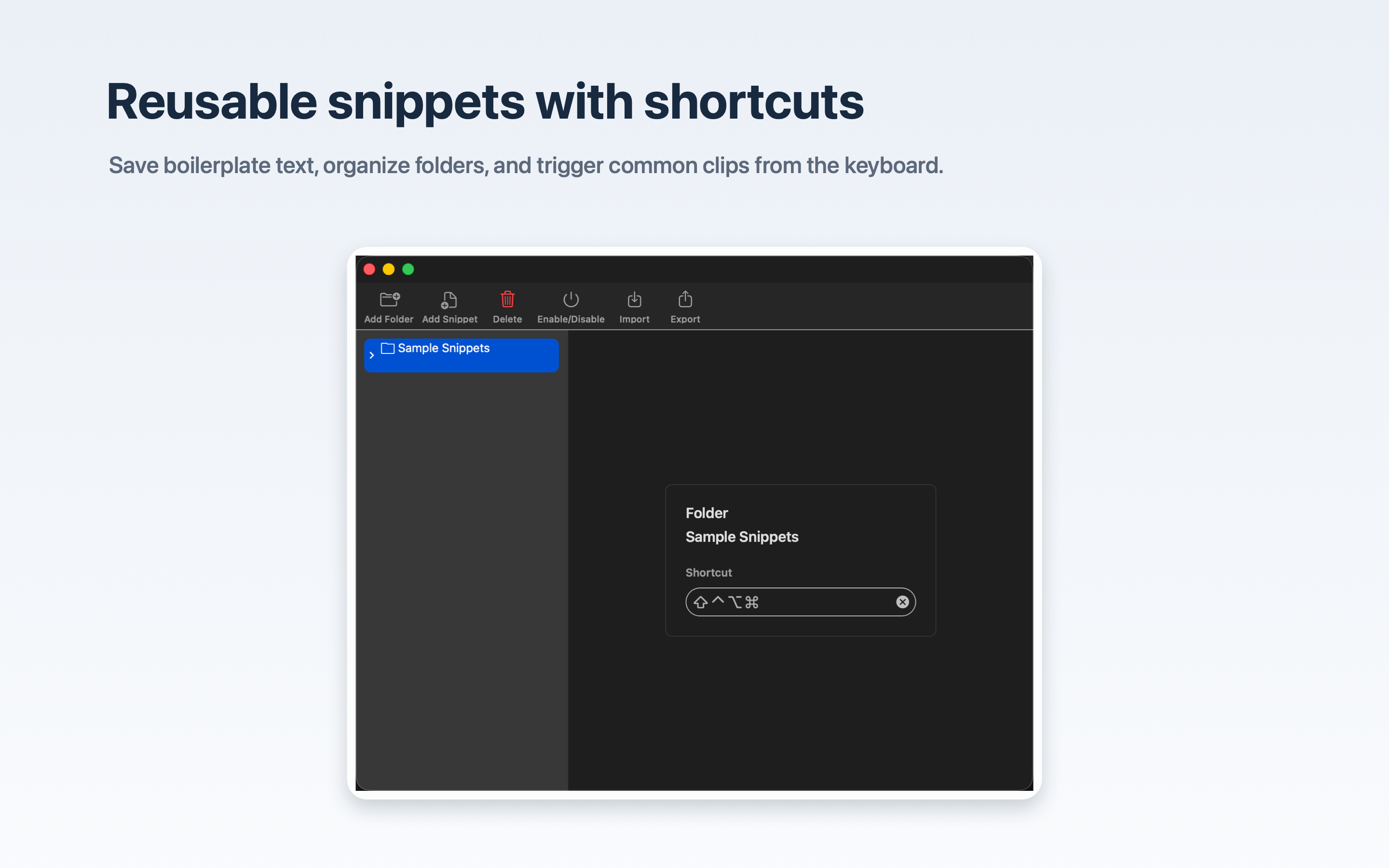
- Create reusable snippets and folders with keyboard shortcuts.
- Configure history size, clipboard types, menu behavior, OCR, language, shortcuts, and excluded apps.
Simple Clipboard Manager AI is built specifically for macOS using AppKit, NSPasteboard, Vision, Accessibility APIs, RealmSwift, and Apple Foundation Models where available. Clipboard history is stored locally, and the core clipboard, snippets, formatting, OCR, and local AI workflows do not require external services.