Voice cloning and timed narration for iPhone, iPad, and Mac
SpeechTrack: Live Voice Clone
Your voice. Precisely timed.
Create an English voice from a short recording, turn your script into scheduled speech, and export one finished audio track. Voice creation and generation happen on your device.
Make the narration your own
Record 5–15 seconds of clear English speech or import an audio file, then create a voice you can use in your script segments. Use your own voice or one you have explicit permission to clone. Apple system voices are also available, with languages and voice choices depending on what is installed on your device.
SpeechTrack is built for presentation rehearsals, product demos, classroom lessons, training, and onboarding. Reference recordings, voice profiles, scripts, and generated audio stay on your device; no account is required.
Voice cloning and timed narration
How voice cloning works and how to make a presentation in your own voice
Explainer and tutorial · 6:41. Learn how a voice sample becomes new speech, then build timed presentation narration with the Mac command-line tool.
- Add your own voice to a screen recording Mac command-line tutorial · 0:50. Time narration to the actions in a screen capture, then combine the audio and video.
- Make an audio quiz with time to answer Mac command-line tutorial · 1:15. Place questions, thinking pauses, and answers on one timeline for study or training.
Rebuild demo narration from Terminal
Keep a product-demo script in CSV and regenerate the voiceover with a cloned voice saved on your Mac. Follow the SpeechTrack Mac CLI walkthrough for a downloadable example, voice selection, timed export, and the full command and option reference.
Inside SpeechTrack: Live Voice Clone
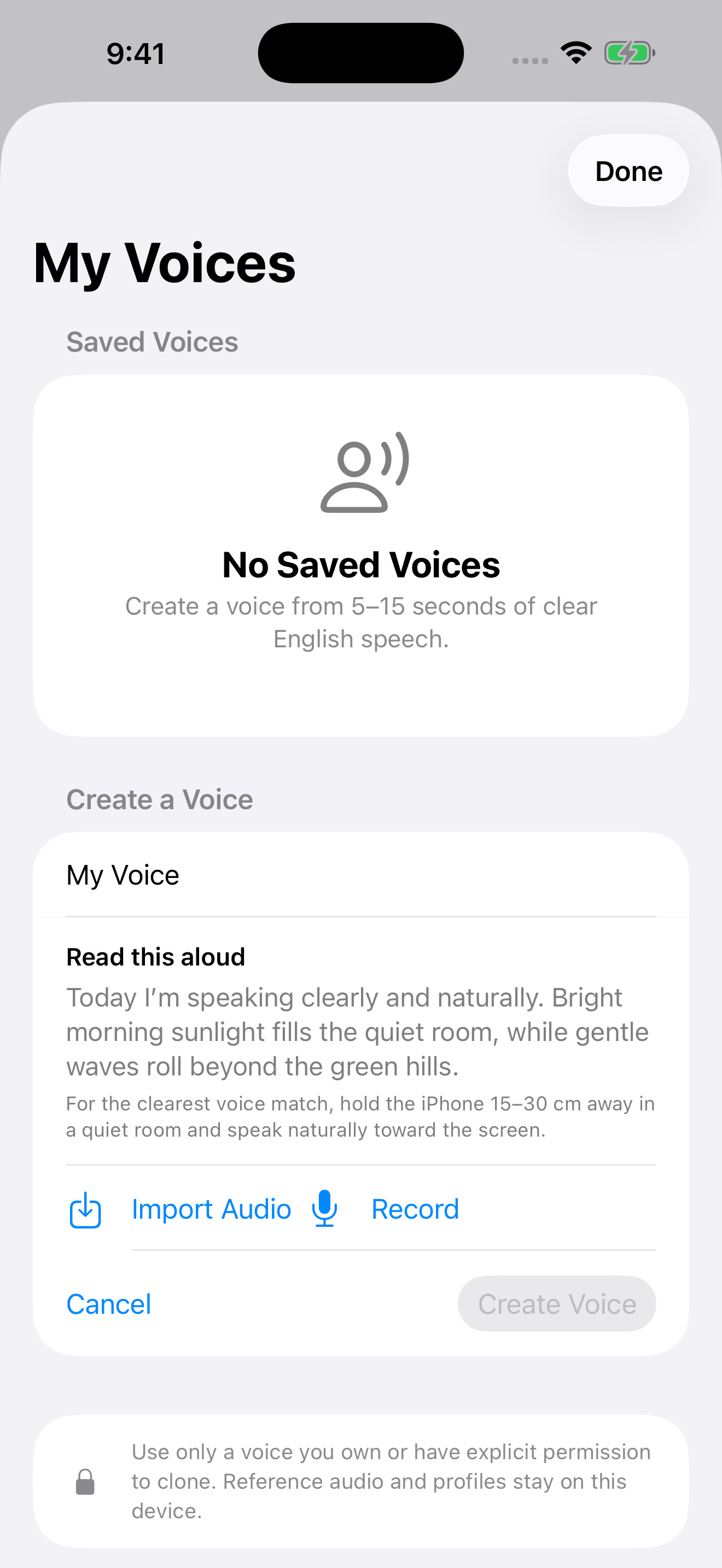
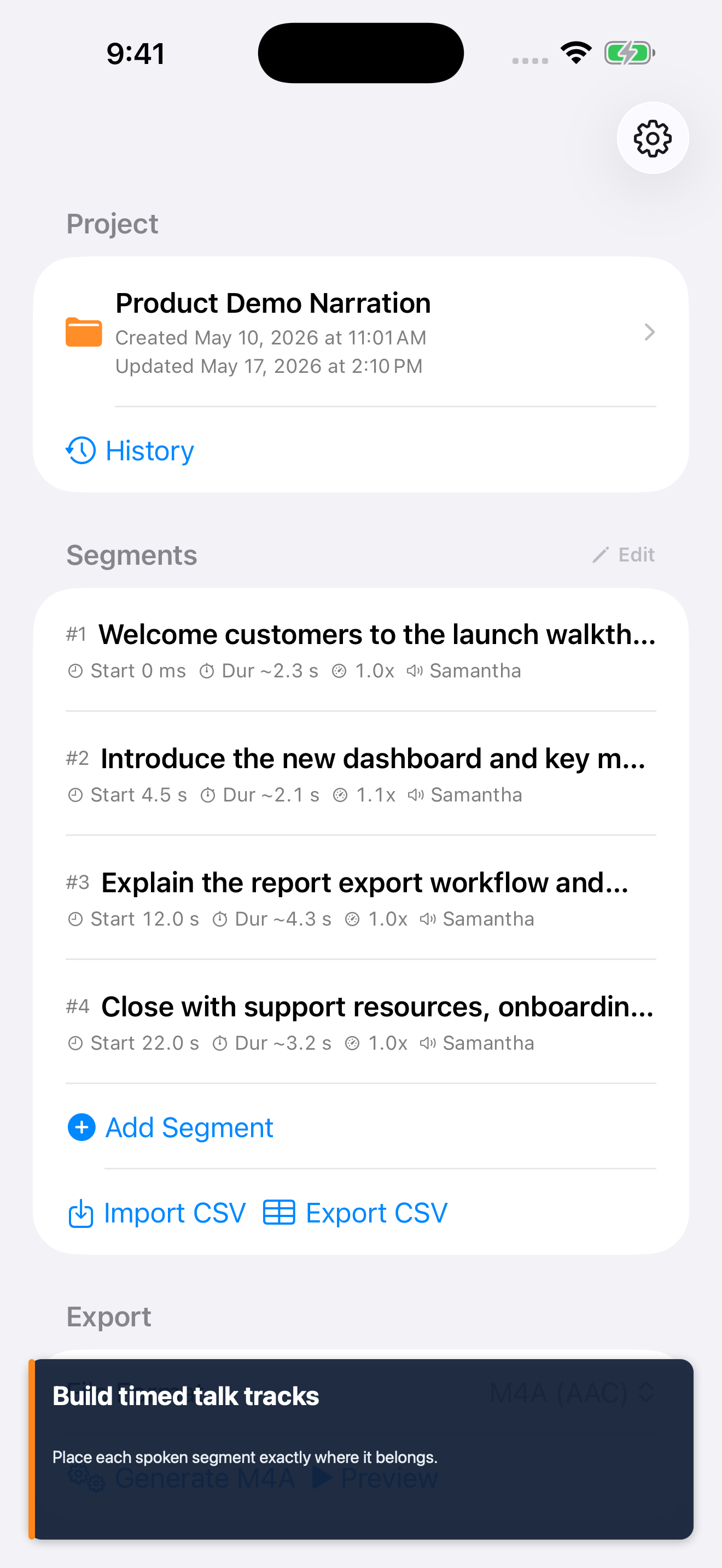
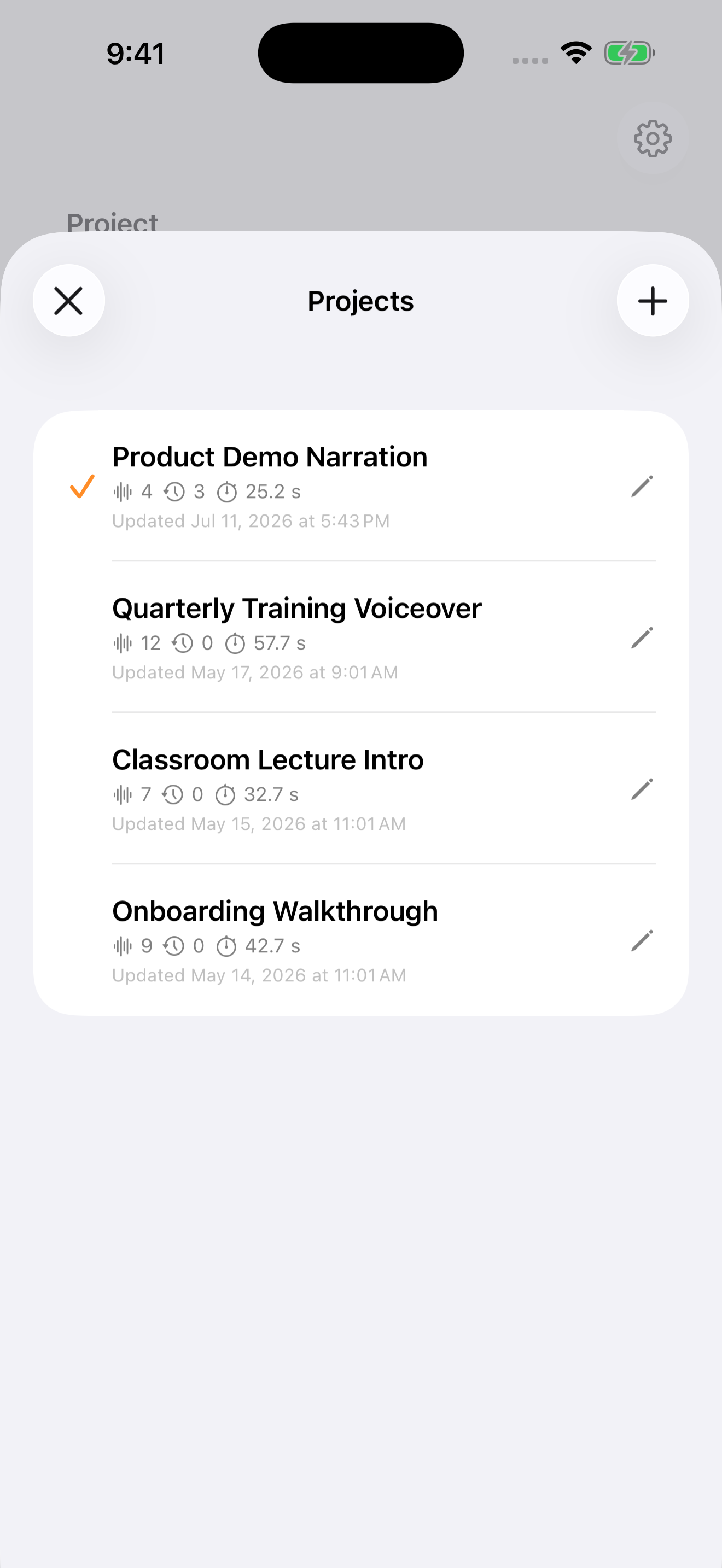
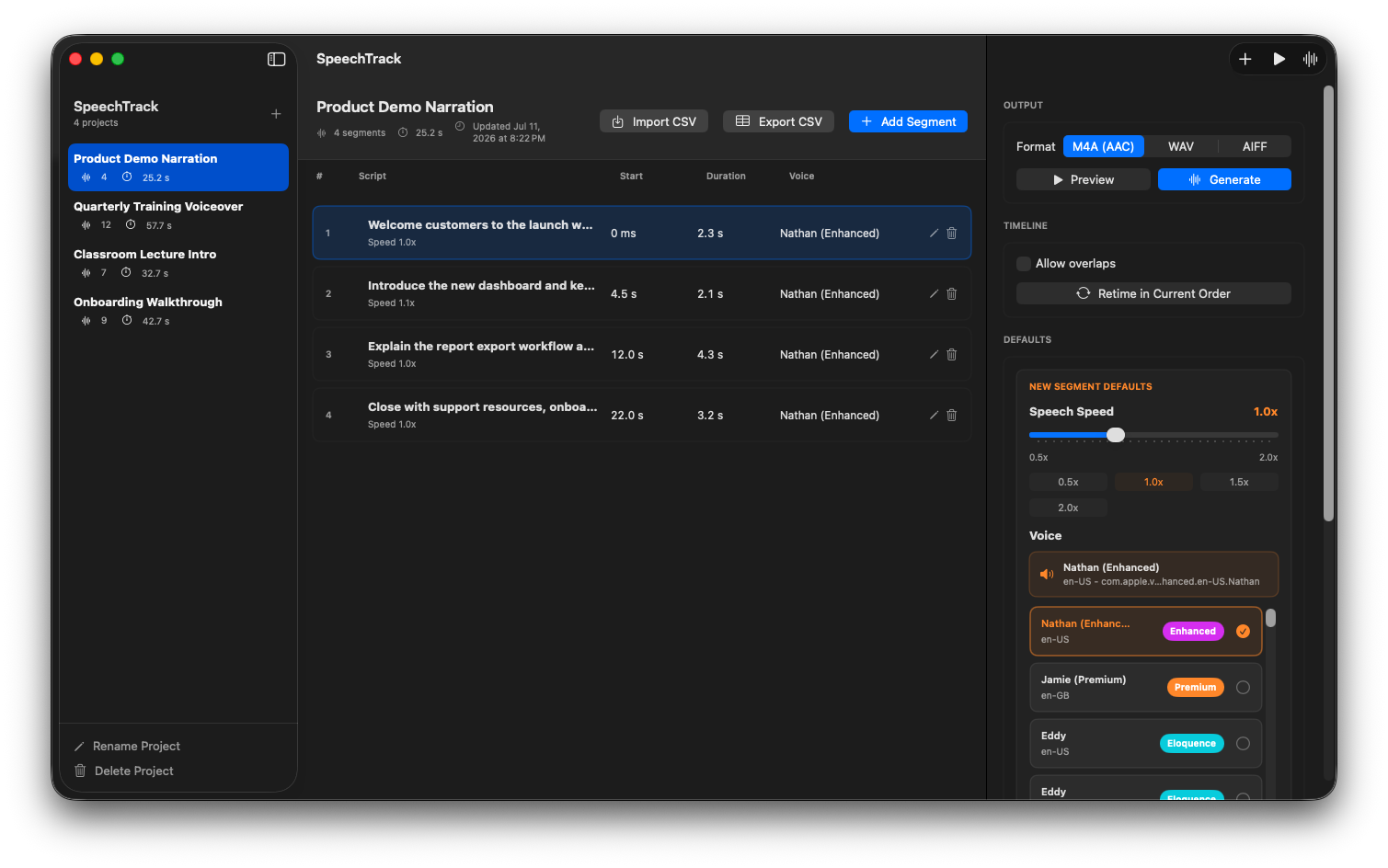
Control what is said and when
Build a track that follows your script.
From a voice sample to a finished track
Start creating with SpeechTrack.
Download SpeechTrack for free and start building timed narration projects on your device.
Ready for your next presentation
Turn your script into a track you can use again.
Build locally on iPhone, iPad, or a supported Apple-silicon Mac, then take your finished narration wherever you need it.